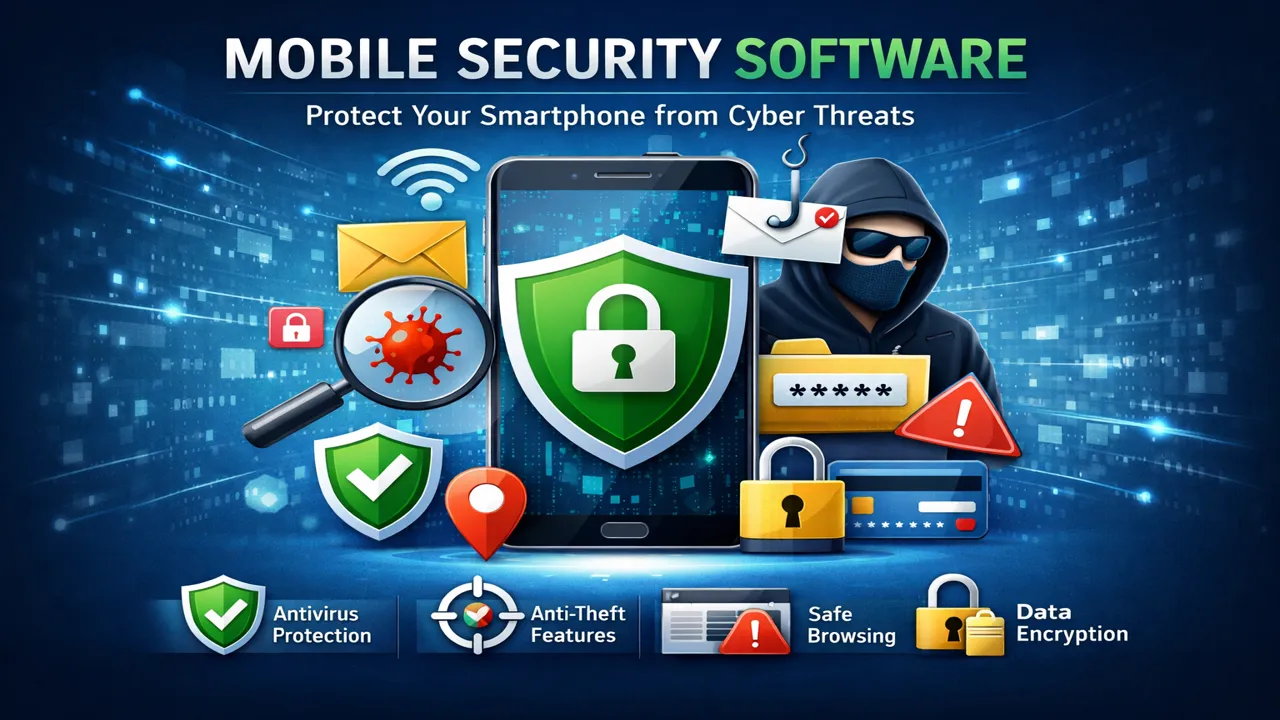
In today’s digital age, smartphones have become essential to our daily lives. We use them for communication, entertainment, banking, shopping, and even work. However, with this increased reliance on mobile devices comes the heightened risk of cyber threats. Protecting your smartphone from viruses, malware, and unauthorized access is more important than ever. This is where mobile security software comes into play.
What is Mobile Security Software?
Mobile security software, often referred to as mobile antivirus or mobile protection apps, is a tool designed to protect your smartphone or tablet from security threats. These threats include malware, viruses, spyware, phishing attempts, and unauthorized access. Mobile security software provides a robust defense system by offering features like real-time scanning, data encryption, and remote wiping in case your phone is lost or stolen.
Why is Mobile Security Important?
The rise in mobile usage has also led to an increase in cyberattacks targeting smartphones. Cybercriminals exploit vulnerabilities in mobile operating systems (like Android and iOS) to gain unauthorized access to personal information. Without proper mobile security software, your device is susceptible to:
-
Malware: Malicious software designed to damage your device or steal data.
-
Phishing: Fraudulent attempts to acquire sensitive information by pretending to be a trustworthy entity.
-
Spyware: Software that secretly monitors your activities without your knowledge.
-
Data Theft: If your phone is lost or stolen, sensitive data can be compromised without mobile security protection.
Key Features of Mobile Security Software
When choosing mobile security software, it’s crucial to look for specific features that offer comprehensive protection. Here are some key features to consider:
1. Real-time Scanning
Mobile security software should have real-time scanning capabilities to detect and eliminate threats as soon as they occur. This helps to prevent malware and viruses from infecting your device before they cause damage.
2. Anti-Theft Protection
Many mobile security apps come with anti-theft features that allow you to remotely track, lock, or wipe your device if it gets lost or stolen. This ensures that sensitive data remains protected, even if your phone falls into the wrong hands.
3. App Privacy Protection
Some apps request unnecessary permissions, which could compromise your privacy. A good mobile security software will notify you about apps that ask for too many permissions and help you manage them to protect your privacy.
4. Safe Browsing
Mobile security apps provide safe browsing features to ensure that you are not redirected to malicious websites that could steal your personal information or infect your device.
5. Data Encryption
Mobile security software often includes encryption features that encrypt sensitive files and data on your device. This ensures that, even if someone gains access to your phone, they cannot read your private information.
Top Mobile Security Software Options
When it comes to choosing the right mobile security software for your device, here are some of the top options available on the market:
1. Norton Mobile Security
Norton is a well-known name in the cybersecurity industry, and their mobile security software is no exception. Norton Mobile Security offers features like anti-theft protection, app advisor, web protection, and real-time scanning.
2. McAfee Mobile Security
McAfee provides a comprehensive mobile security solution that includes antivirus protection, anti-theft features, battery optimizer, and even a secure Wi-Fi scanner to protect you when you’re on public networks.
3. Avast Mobile Security
Avast is another popular name in the world of mobile security. Their app offers antivirus protection, app permissions management, anti-theft features, and privacy protection, all in one convenient package.
4. Kaspersky Mobile Antivirus
Kaspersky’s mobile antivirus app is a great option for protecting your phone from viruses and malware. It also comes with anti-theft features, app lock functionality, and a privacy scanner to ensure your data stays safe.
5. Bitdefender Mobile Security
Bitdefender provides a lightweight mobile security app that doesn’t slow down your device. It offers real-time scanning, anti-theft features, web protection, and app privacy tools, making it a well-rounded security solution.
Best Practices for Mobile Security
While mobile security software is essential, it’s equally important to follow best practices to enhance your device’s protection:
-
Keep Your Software Updated: Ensure that your operating system and apps are always updated to the latest versions, as updates often include security patches.
-
Download Apps from Trusted Sources: Only download apps from official app stores like Google Play and the Apple App Store. Avoid third-party app stores that may distribute malware.
-
Use Strong Passwords: Set a strong password, PIN, or fingerprint lock to secure your device. Avoid using easily guessable passwords like “1234” or “password.”
-
Be Cautious of Public Wi-Fi: Avoid using public Wi-Fi networks for sensitive activities like banking or shopping. If necessary, use a VPN to encrypt your internet connection.
-
Back Up Your Data: Regularly back up your data to the cloud or an external device to prevent data loss in case of theft or damage.
Conclusion
Mobile security software is no longer an optional tool—it’s a necessity in today’s digital world. With cyber threats becoming more sophisticated, protecting your personal information and keeping your device secure should be a top priority. By choosing the right mobile security software and practicing safe mobile habits, you can ensure your smartphone stays protected against malware, data theft, and other threats. Stay safe and secure in the mobile world!